Printed family photos often live in several places at once: an old album, a drawer, a packet of prints, and a box no one has opened for years. The hardest part is not finding a prettier container. It is preserving the names and stories while making the collection easy to find without damaging the originals.
The quick answer: Work in small batches. Keep each album or packet together until you understand what it contains, then group loose prints by event, year, or person. Record what you know on a separate card or in a digital note. Handle photos with clean, dry hands and avoid tape, glue, and sticky notes on the prints. Give valuable originals a cool, dry, stable storage spot and photo-safe enclosures; make digital copies of the irreplaceable ones.
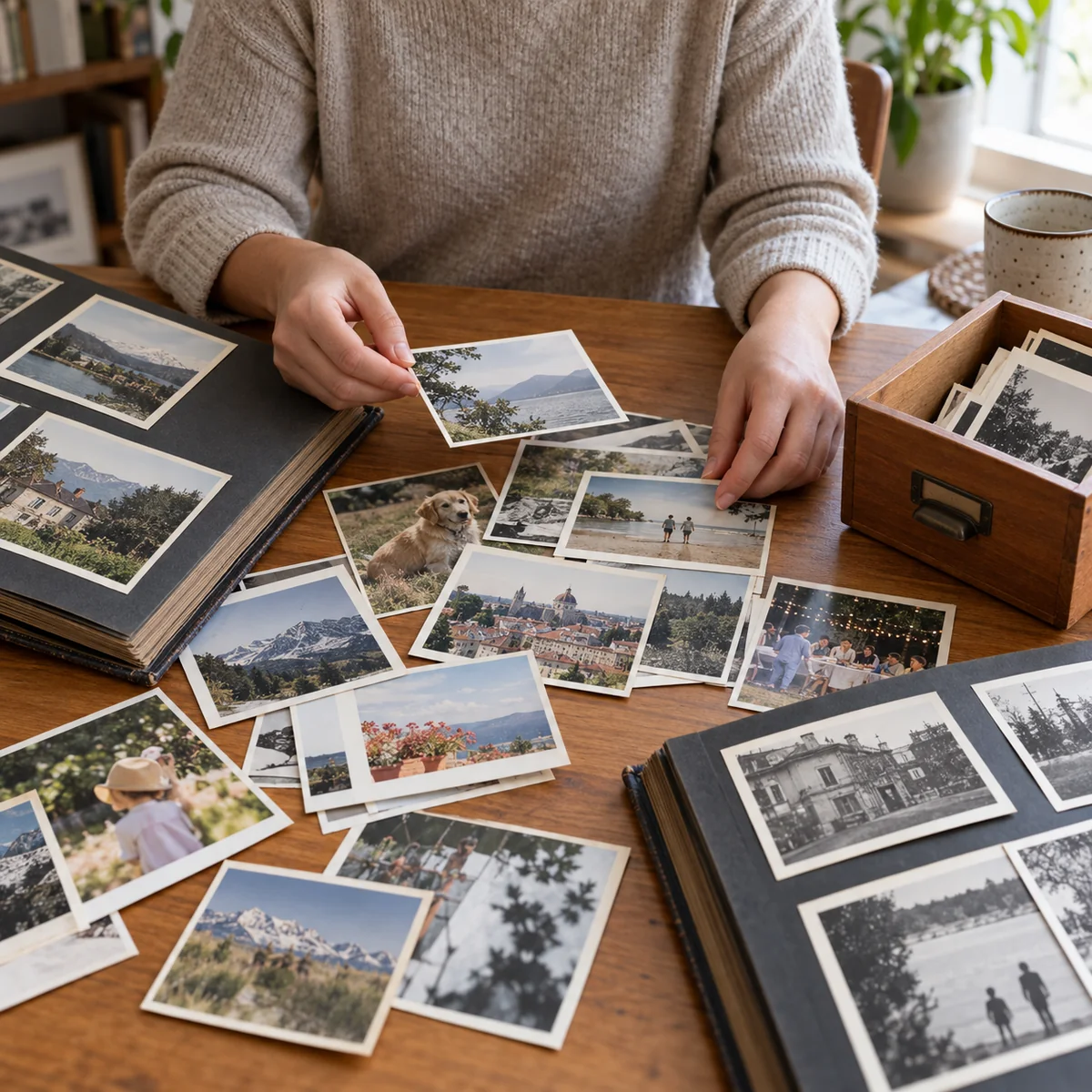
Start with one album or packet
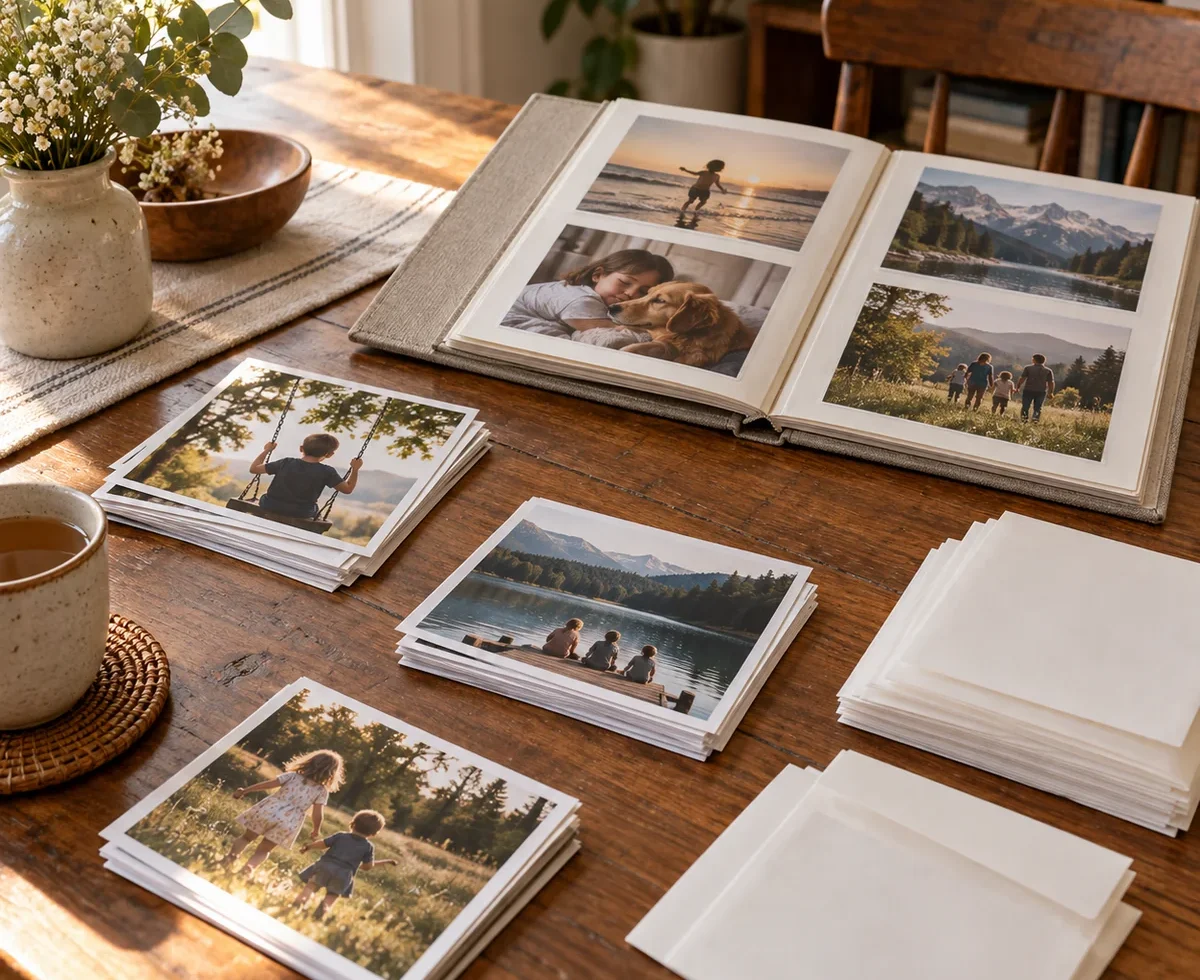
Choose a group you can finish in one sitting, such as one envelope of holiday prints. Set it on a clean, dry table away from drinks. Keep its original order while you look through it; an album or packet may already contain clues about a trip or family branch. If photos are stuck to old adhesive pages, do not pull them free. The Smithsonian Institution Archives warns that forcing bonded photos off old album pages can damage them.
Make three temporary groups: identified and worth keeping, uncertain but worth asking about, and obvious duplicates or prints you do not need. You do not have to make every sentimental decision at once. Our decluttering guide offers a broader method for deciding what to keep, pass on, repair, or recycle.
Choose categories a relative could understand
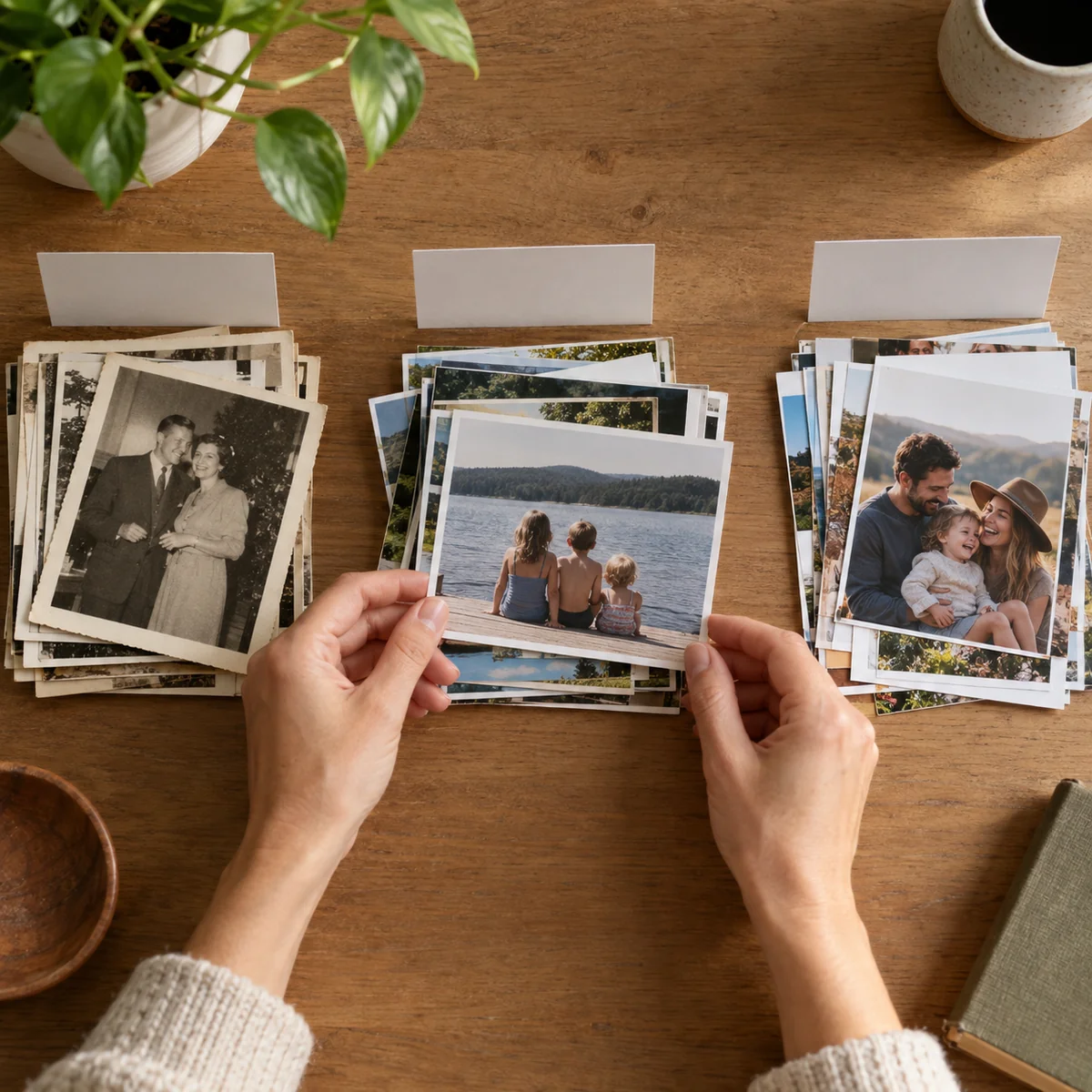
For loose prints, use a few broad categories: by event, decade, place, or family branch. If you know the exact year, use it. If not, “1990s family trips” is better than an invented date. Place a separate paper card beside each group while sorting. Avoid making a pile for every person in a crowded group photo; one photo can have several names in its description later.
Preserve context from old envelopes, handwritten captions, and album pages. A small note can say who identified the picture and how certain they were. The point is to make a collection navigable, not to reach perfect chronology. The Smithsonian Archives suggests organizing important family materials by the relationships among them, rather than blindly separating every item by format.
Capture names and stories without marking the print
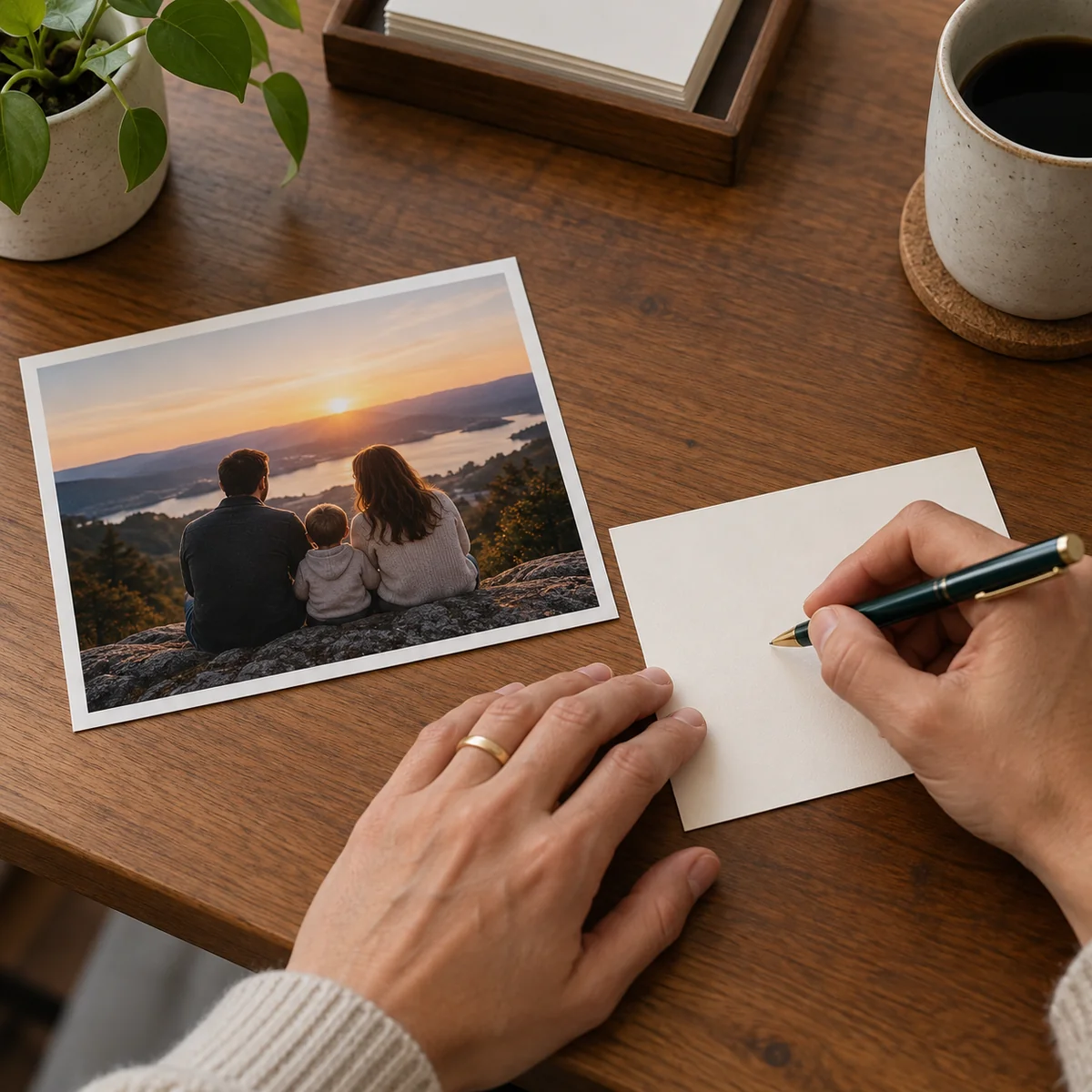
Write names, approximate dates, locations, and the reason a picture matters on a separate card or digital record. Give the group and its note the same simple identifier, such as “A3,” so they stay connected. Ask a relative about the uncertain group while they can still recognize people and places. When sharing a scan, check that the people involved are comfortable with where it will be posted.
Keep pens, labels, tape, glue, paper clips, and sticky notes off the original photo surface. The Smithsonian National Museum of African American History and Culture advises against staples, tape, and glue on photographs and recommends clean hands and protection from light. If you need to add information, the separate note is easy to revise when a family member corrects a name.
Scan the irreplaceable photos first
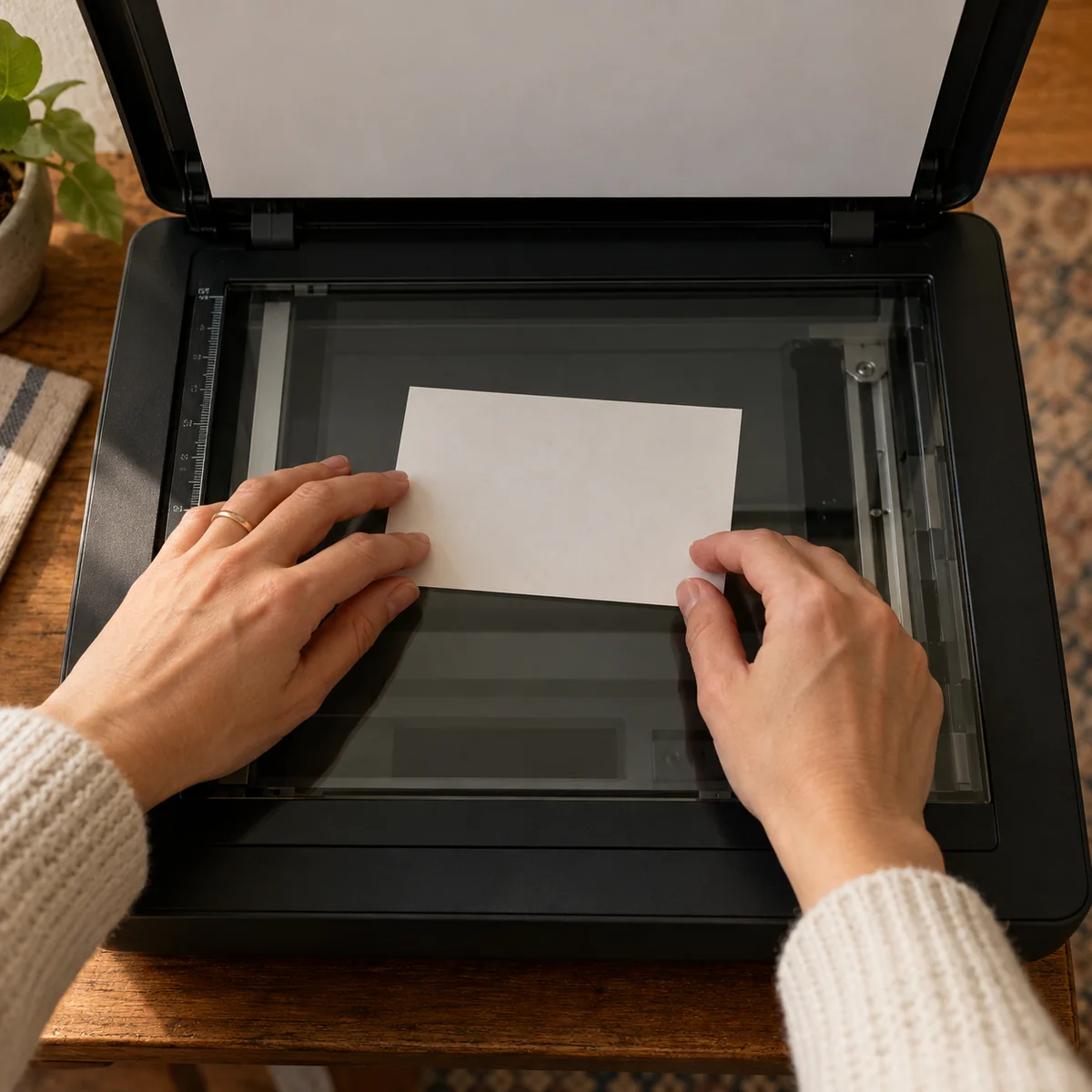
You do not have to digitize every blurry duplicate in one weekend. Start with unique portraits, group photos with named people, and fragile prints. A clean flatbed scanner can make a digital copy; handle the print gently and avoid an automatic document feeder. Preview each scan to check alignment and dust before moving to the next one. The Library of Congress recommends keeping a master file and a separate working copy if you plan to edit or share the image.
Use a file name that will still make sense later, such as a year followed by a short event description. Keep copies in more than one place; a scan on one phone is not a dependable backup. Scanning makes sharing easier, but it does not automatically make an original print disposable.
Give originals a stable, protective home
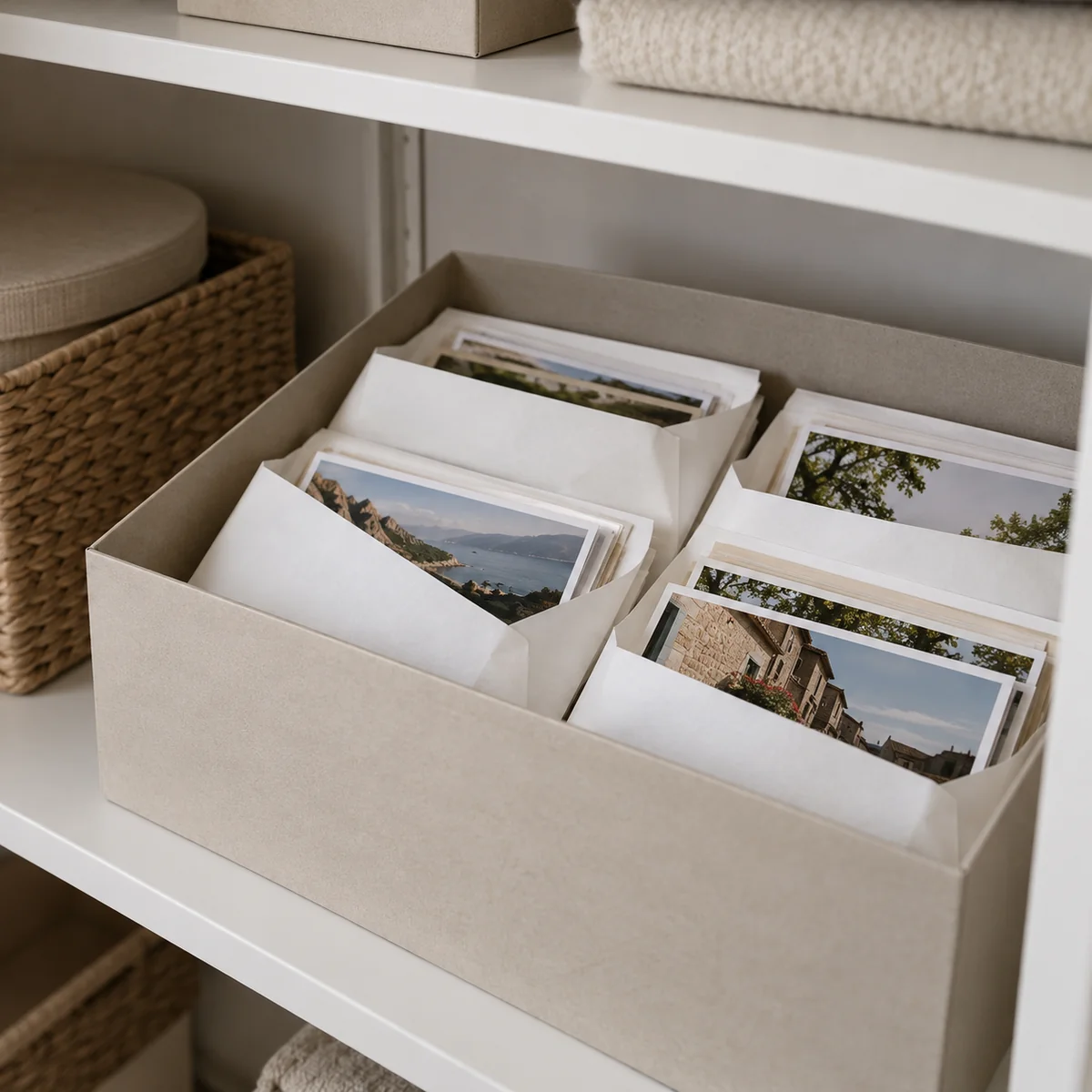
Store valuable originals flat in photo-safe folders, sleeves, or an album made for photographic materials. The Smithsonian Archives names photo-safe polyethylene, polypropylene, and polyester sleeves, or acid- and lignin-free paper, as suitable options. Do not assume an ordinary cardboard box, a “magnetic” adhesive album, or an unknown plastic bag is suitable for long-term preservation. Reusing a random container may be fine for a brief sorting session, but it can be a poor permanent home for one-of-a-kind prints.
Choose a clean, dry, stable part of the living area, away from direct sun, leaks, and temperature extremes. Avoid damp basements and hot attics. Keep the collection easy to retrieve, and put its simple index or group list with it. If a photograph is very old, stuck, brittle, or historically valuable, consider asking a conservator before trying to separate or repair it.
Make the collection useful, not just tidy
Choose a few scans to share privately with relatives and ask one concrete question: “Who is standing beside Grandma in this picture?” Add confirmed answers to the index. If several family members want copies, share digital versions while keeping the physical originals together. A collection people can understand and enjoy is less likely to be forgotten in the next move.
Set a small repeatable habit for new prints: write their context in a separate record, put them in the right group, and back up any digital original. If family papers are also spreading through the house, our paper clutter guide can help keep important documents findable without mixing them into photo packets.
Common questions
Should I remove photos from an old sticky album?
Do not force a photograph that is bonded to the page. Older adhesives can damage prints, and pulling may tear them. Keep the album intact while you seek preservation guidance if the images matter.
Can I keep original photos in a shoebox?
A clean box can hold photos briefly while you sort, but ordinary cardboard is not a dependable long-term enclosure for irreplaceable prints. Use photo-safe materials for permanent storage.
Do I need to scan every photo?
No. Start with unique or fragile images and those with family stories you want to share. A smaller collection of well-described scans is more useful than thousands of unnamed files.
How should I handle duplicates?
Compare the prints, keep the best original and any versions with meaningful notes or differences, and offer extras to relatives who want them. Avoid discarding an unfamiliar duplicate until you have checked its back and context.
Sources
- Smithsonian Institution Archives: Taking Care of Your Own Archives — photo-safe enclosure materials and avoiding adhesive on originals.
- Smithsonian Institution Archives: Six Tips for Preserving Family Archives — stable storage and caution with adhesive albums.
- Smithsonian National Museum of African American History and Culture: Preserving Family Treasures — handling, light, and storage.
- Library of Congress: The Basics of Scanning — scanning, file names, and backup copies.