A backpack can look perfect online and become uncomfortable after one commute. Another may have room for every imagined activity but spend most days half empty in a closet. The most useful bag is the one that fits your actual load, feels comfortable when filled, and can be maintained when a small part wears out.
The quick check: List what you carry on a normal day, try those items in the bag, walk with the loaded bag, inspect the strap attachments and zipper, and check the maker’s care and repair options. Compare that evidence with the price before buying. A plain bag that passes those tests may serve you better than one with more features.
Start with a real day, not a product photo
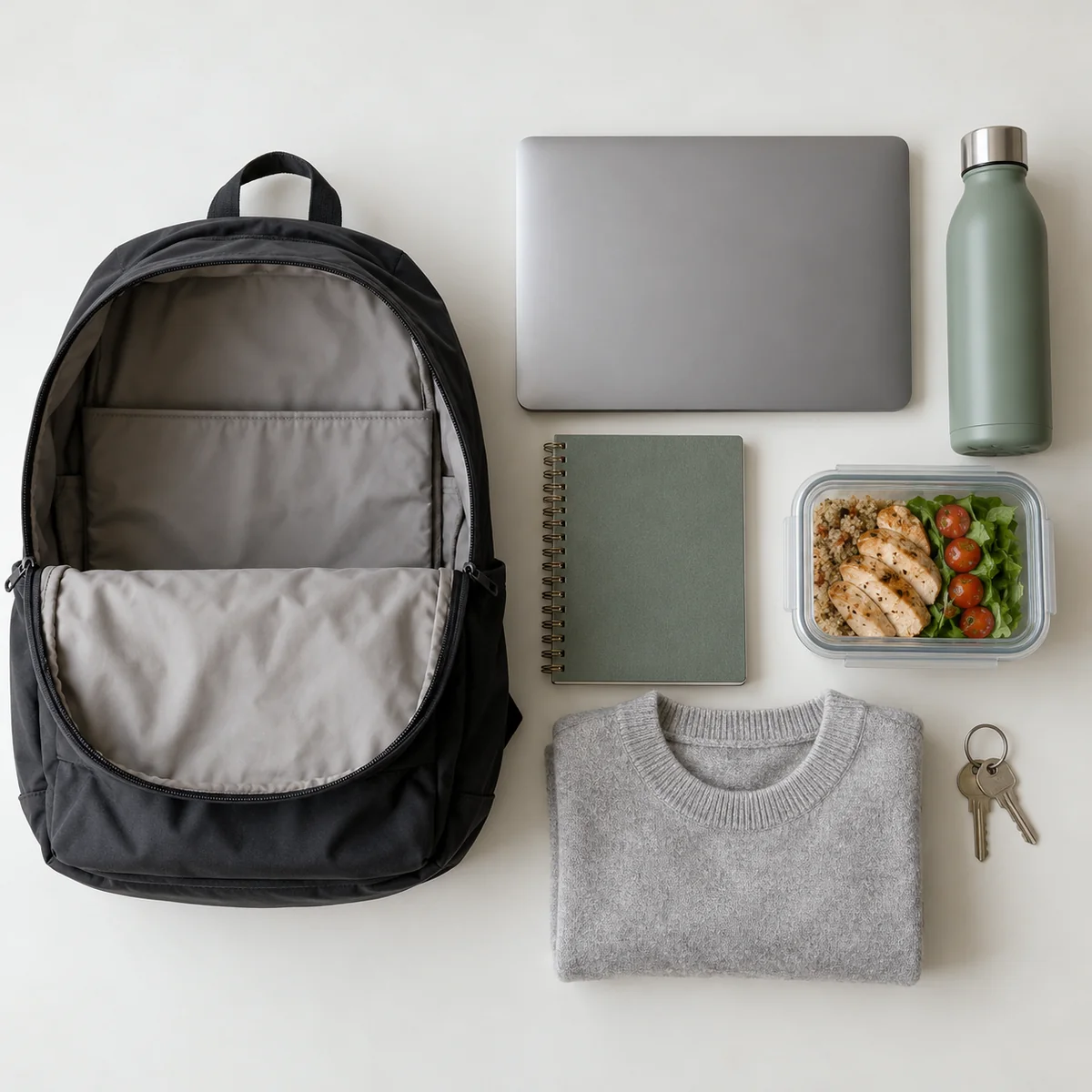
Put your everyday items on a table: laptop and charger, lunch, water bottle, book, keys, or a light jacket. Include the largest thing you carry regularly, not an occasional “maybe.” Measure a laptop before trusting a listing that simply says “laptop sleeve.” Check the sleeve’s stated dimensions and the bag’s opening; an item may fit the compartment but be awkward to get through the zip.
Choose the bag for its main job. A short commute, a school day, and a day hike put different demands on access, weather protection, and support. REI’s daypack guide recommends starting with the activity and the gear you actually carry before comparing features or capacity. If the bag you own already works but has a minor fault, investigate a repair first.
Test the fit with weight inside
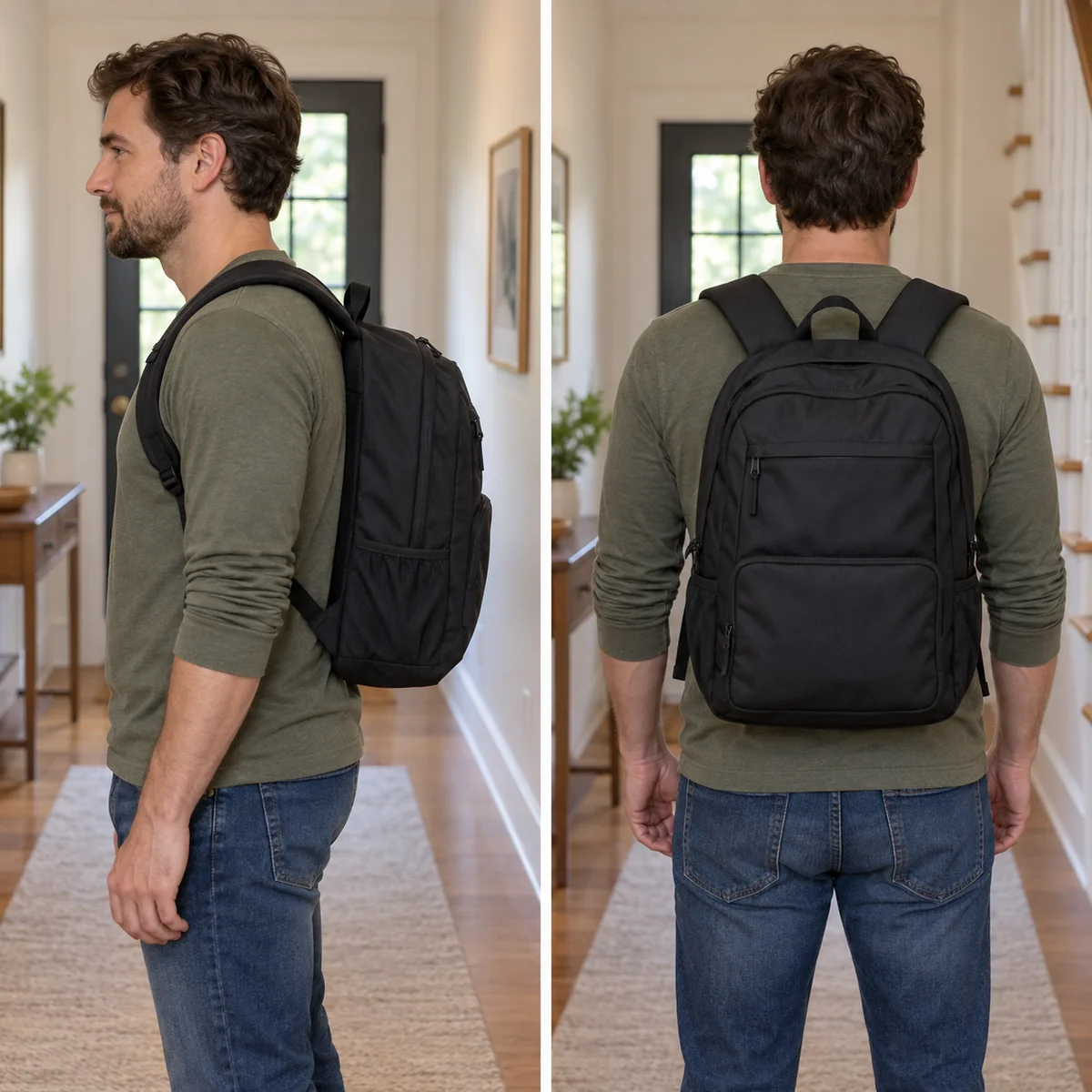
An empty backpack can feel comfortable even when its straps or back panel do not suit you. Put in a realistic load and wear it for several minutes. Adjust both shoulder straps evenly, walk, turn, and sit down. Notice pressure on the shoulders, rubbing at the neck, or a bag that swings when you move. If it has a chest strap, use it only if it improves comfort without feeling restrictive.
For larger daypacks and heavier loads, fit becomes more important. REI’s fit guidance explains that torso length, rather than overall height, is the key measurement for sized packs. Osprey’s fit guide also notes that a different size or model may be needed when the harness does not fit even after adjustment. A shopping photo cannot settle this; try the bag on if you can, or check measurements and return terms carefully when ordering online.
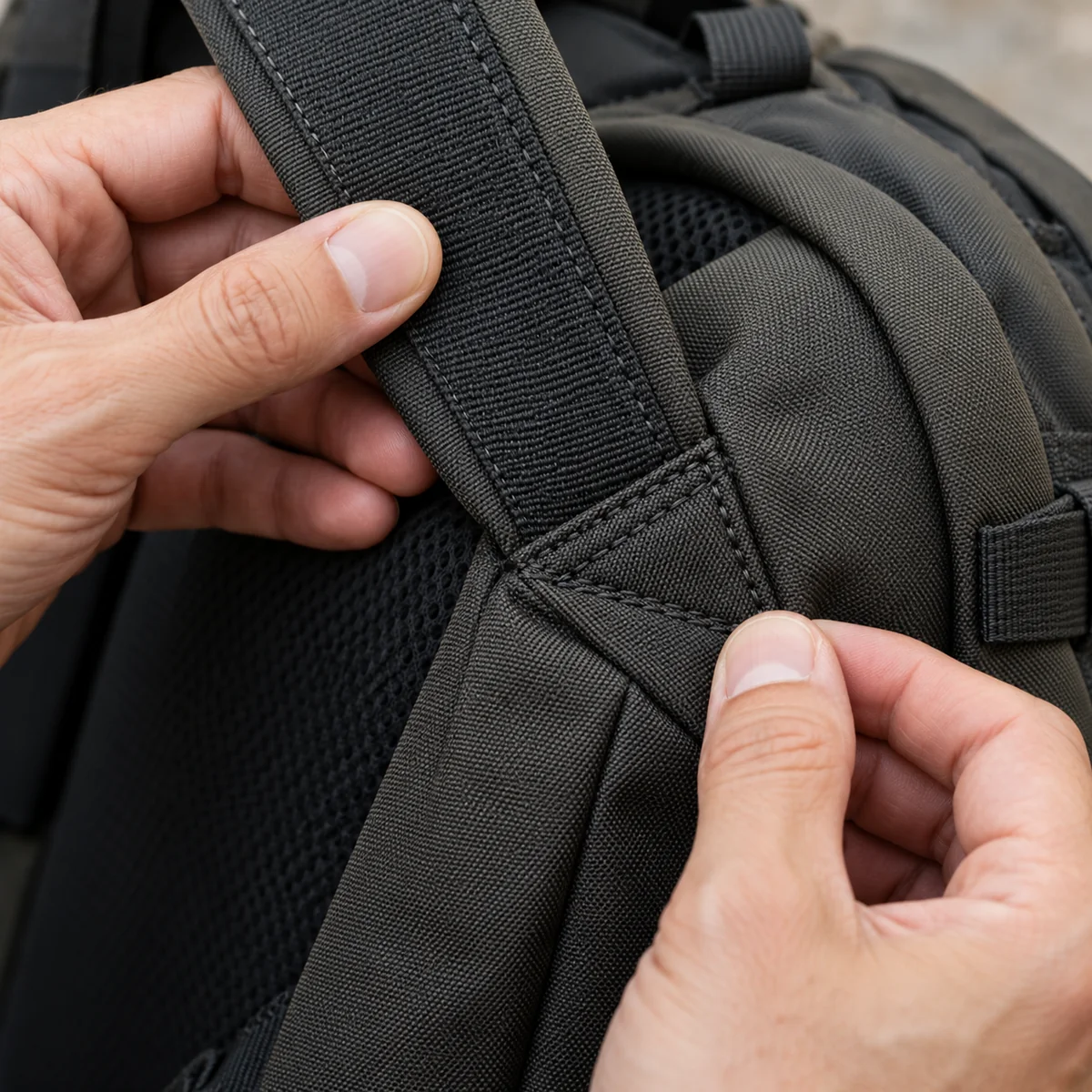
Inspect the places that take the strain
Look where each shoulder strap joins the bag, at the handle, the bottom corners, and the seams around a loaded laptop compartment. Stitching should be even and secure, without loose gaps or fabric pulling away. Check that the bottom can support the items you plan to carry and that the straps adjust without slipping. No single fabric name or marketing claim proves a bag will last; construction and everyday use both matter.
If shopping secondhand, inspect these same points closely and ask for clear photos of the bottom, strap anchors, and inside lining. A stain may be manageable, but a torn load-bearing seam changes the value of the purchase. The best low-waste choice is a bag that will stay useful, whether it is new, secondhand, or one you already own.
Open every zipper and test the pockets
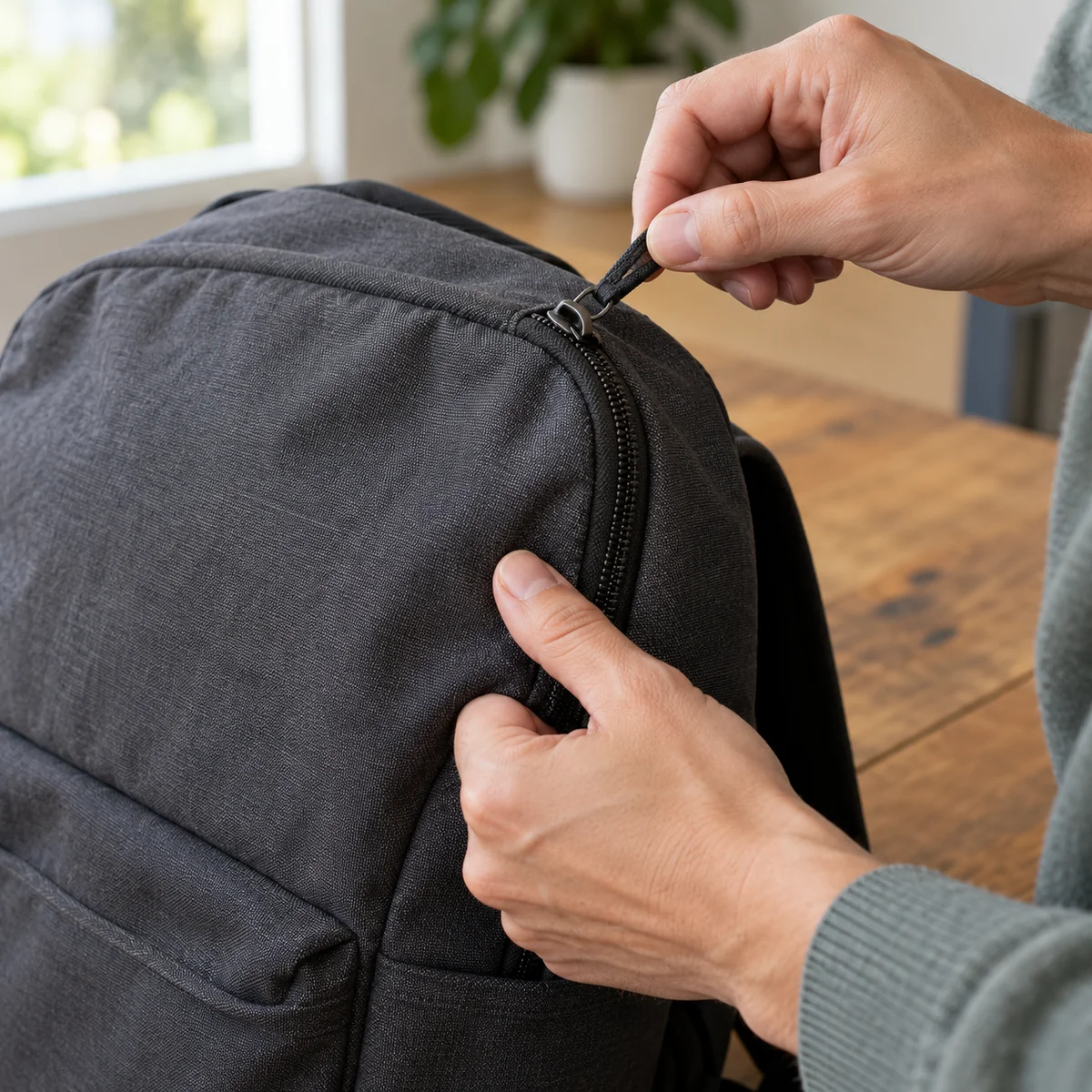
Run the main zipper through its full path several times, including around corners. It should move smoothly without catching the lining or separating behind the slider. Check the pulls, buckles, and side pockets too. A bottle pocket is only useful if it holds the bottle you carry. Too many small compartments can make daily items harder to find, so choose the number that suits your routine.
Ask what can be repaired. A worn zipper slider may sometimes be fixable, while damaged teeth or fabric can need more substantial work. Patagonia’s zipper repair guide distinguishes simple slider problems from damage that may call for professional repair or replacement. Check the specific brand’s current repair process, availability of parts, and any costs instead of assuming a warranty covers every kind of wear.
Compare the total usefulness, not the feature count
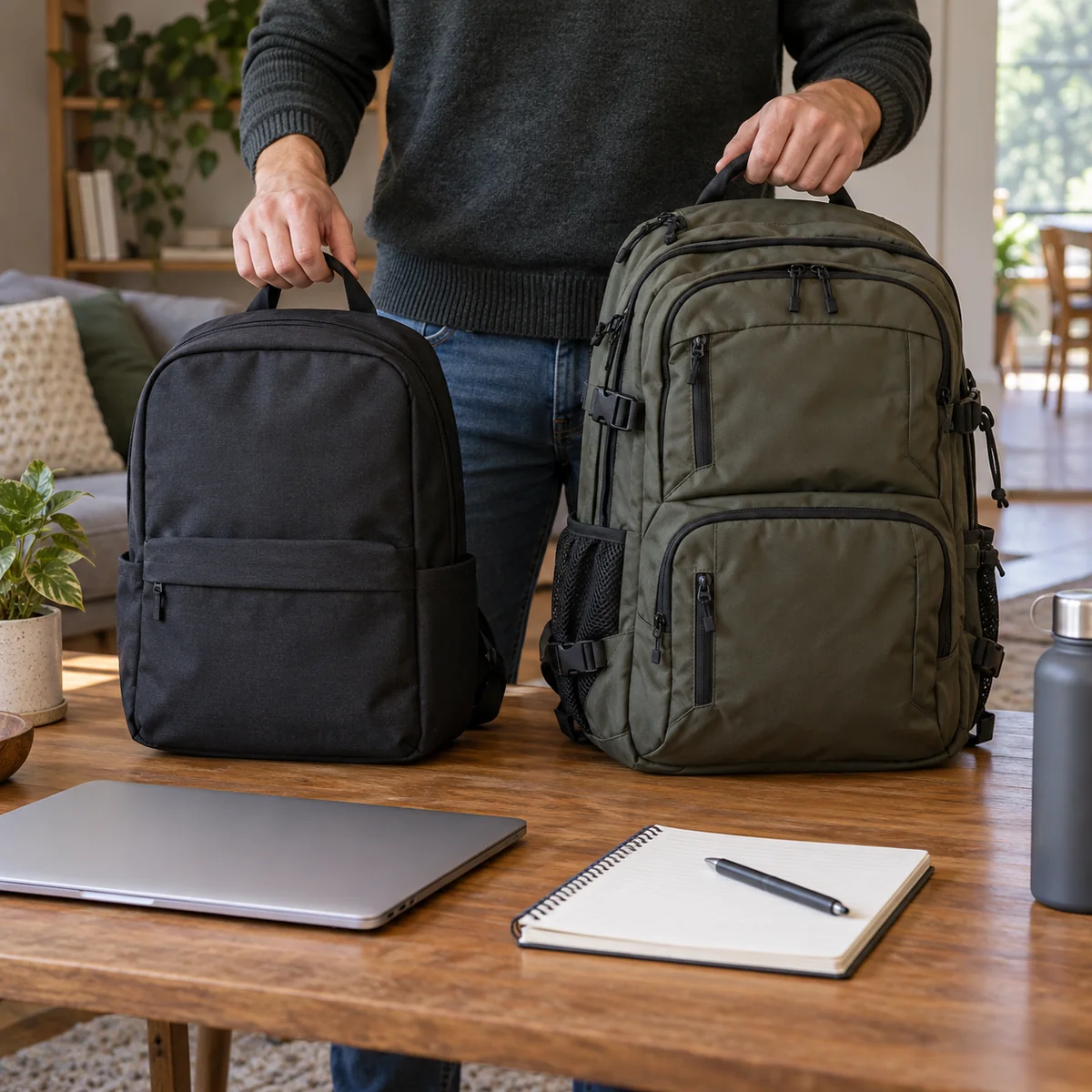
Put two or three candidates through the same checklist: capacity for the real load, fit, access, stitching, zipper, cleaning instructions, repair options, and price. Cross off a bag if it fails a requirement you cannot work around. You do not need to pay for an outdoor frame or elaborate pocket system if your daily load is a notebook and lunch.
When ordering online, read reviews for repeated reports about the exact failure points you care about. Our guide to reading online reviews before buying helps you look beyond star ratings. Check return conditions before removing tags or taking the bag outside. If your current backpack has a fixable problem, compare the effort and cost of repair with a new purchase before checking out.
Care for the bag you choose
Follow the maker’s cleaning label rather than assuming the whole bag can go in a washing machine. Empty pockets, remove crumbs, and let a damp bag dry fully before storing it. Deal with a sticky zipper or loose stitch early, before the problem spreads. Regular use and small repairs are what turn a considered purchase into a long-serving one.
Common questions
What size backpack should I buy?
Start with the dimensions and volume of what you carry most days. Try the items in the bag if possible; stated capacity alone does not show whether the opening or pockets work for them.
Is a more expensive backpack always more durable?
No. Compare construction, fit, hardware, repair options, and how well the bag suits your use. Price by itself does not establish service life.
Can a secondhand backpack be a good choice?
Yes, when it fits and the load-bearing seams, zipper, buckles, and lining are in usable condition. Ask for detailed photos or inspect it in person before buying.
Sources
- REI: How to Choose a Daypack — matching activity, load, features, and fit.
- REI: How to Size and Fit a Backpack — torso measurement and loaded fit.
- Osprey: Backpack Size and Fit — harness adjustment and fit limits.
- Patagonia: How to Fix a Zipper — repairability of common zipper problems.