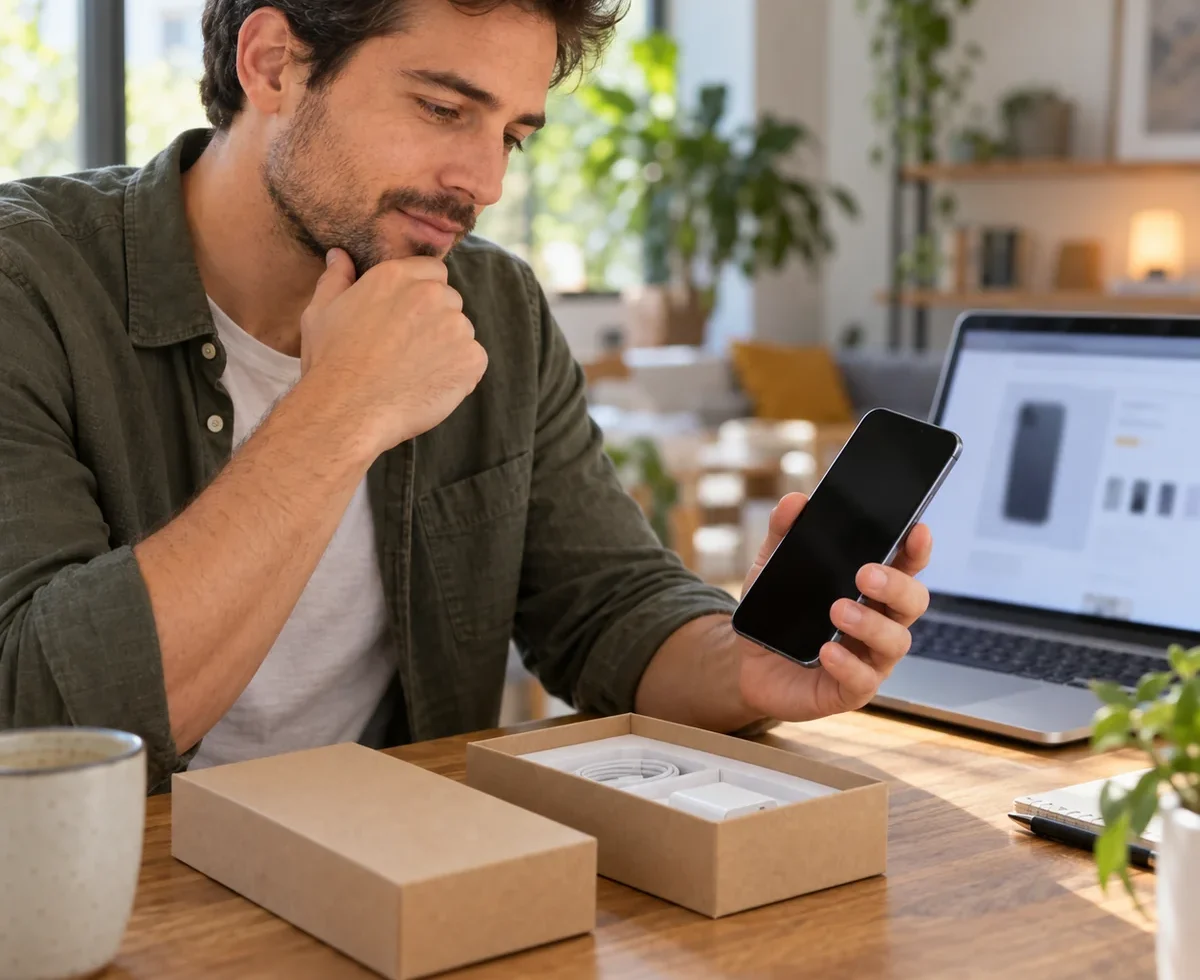
A refurbished phone can save money and keep a working device in use, but “refurbished” is not a promise that every part is new. The useful question is whether this exact phone will meet your needs, receive the software you rely on, and be usable under your own account. A low price is not a good deal if a tired battery, account lock, or difficult return turns it into another purchase.
The quick answer: Confirm the exact model and storage, current software support, stated battery condition, repair history where available, carrier compatibility, and what the seller tested. Get the warranty and return terms in writing. Before keeping the phone, complete setup with your own account, check core functions, and act within the return window if anything differs from the listing.
Define the phone you need before comparing grades
Write down what your current phone cannot do: perhaps battery life, camera quality, storage, or a damaged screen. Then choose the minimum model and storage capacity that solve those problems. A seller’s “excellent” cosmetic grade might describe scratches, not battery health or software support. Ask what the grade covers and what it excludes.
Compare the exact model number, storage, color, included charger or cable, and total delivered cost. Check the manufacturer’s page for current software support or update policy for that model. Support windows vary by device and can change; Google publishes Pixel update periods, while Apple provides security release information by device. The longer you plan to keep the phone, the more this matters.
Ask what “refurbished” means in this listing
Look for a plain description of testing, cleaning, replacement parts, battery standards, cosmetic condition, and accessories. Ask whether the listed photos show the actual device or a stock example. If a marketplace seller cannot tell you which model you will receive or what was tested, move on. The U.S. Federal Trade Commission advises checking the real seller, item photos, description, and return rules on marketplaces.
Do not assume a refurbished phone has its original water resistance after repair. Ask what the seller guarantees rather than relying on an old launch specification. If a repair was made, request the details that matter to you. On supported iPhones, Apple describes a Parts and Service History screen; what appears there depends on the model and software version.
Check the battery as a practical cost
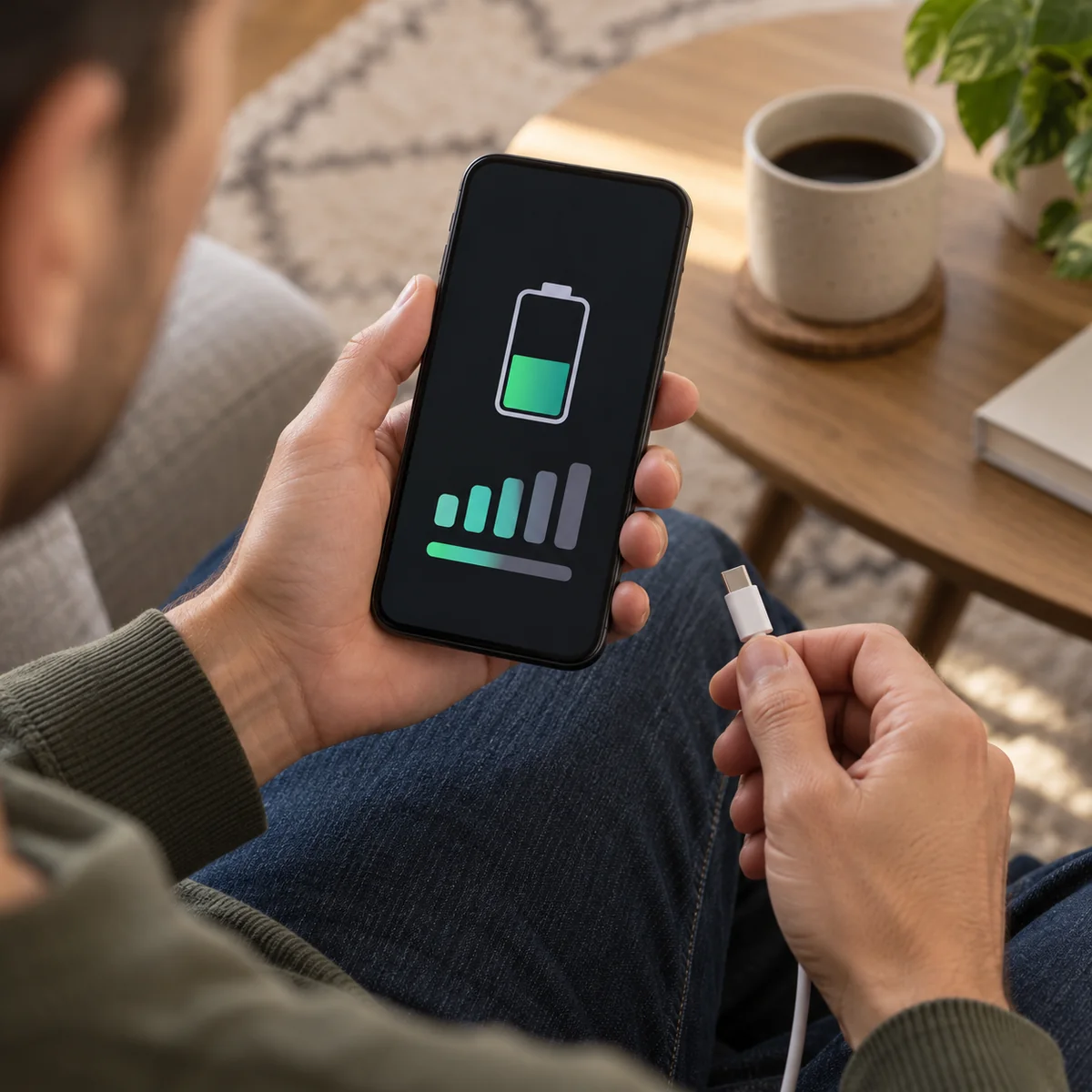
Ask for the stated battery condition, how it was measured, and whether the battery was replaced. A single percentage is useful context but not a universal pass-or-fail score for every phone. What matters is whether it will last through your typical day and what replacement would cost if it does not. On iPhone, Apple’s Battery Health guidance explains that capacity falls with age and may affect time between charges.
If the seller advertises a battery minimum, save the listing or invoice. At delivery, compare the phone’s available battery information with that promise. If the battery status cannot be verified, ask why and treat the uncertainty as part of the price decision. Do not try to repair or open the phone yourself just to confirm the battery.
Make sure the old owner’s account is gone
This is the check that can make an otherwise perfect phone unusable. For a used iPhone, Apple says not to take ownership if Activation Lock is still linked to the previous owner. Start the setup process; if it asks for the prior owner’s Apple Account, have the seller remove the lock before accepting it. Do not accept a promise that they will send a password later.
Android phones can also require the previous account or screen lock after a reset. Google explains this device protection for Pixel phones. For any brand, use its own instructions to verify the reset and account removal. If an online purchase arrives locked, contact the seller and start the marketplace return process promptly rather than searching for a bypass.
Test the everyday functions while returns are possible
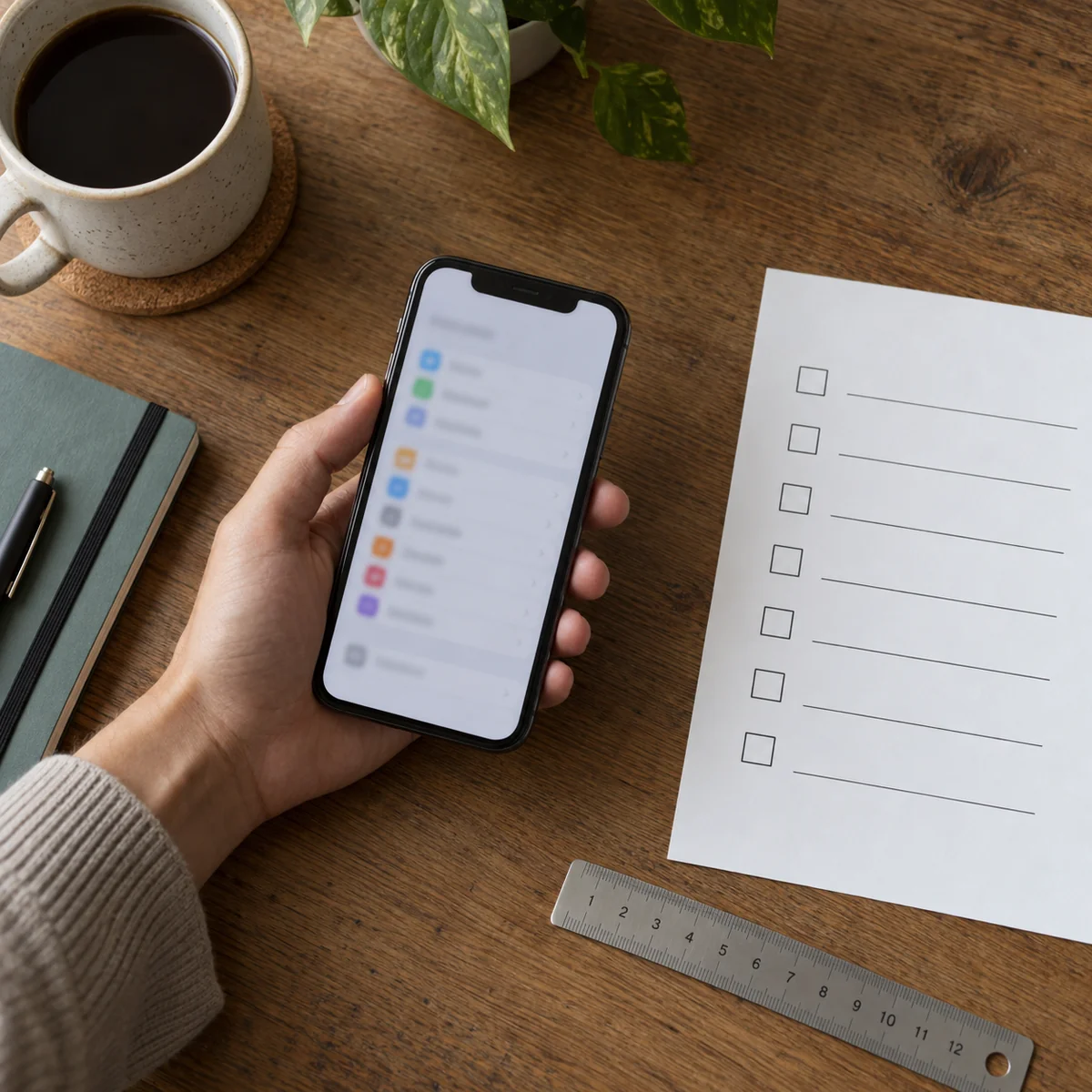
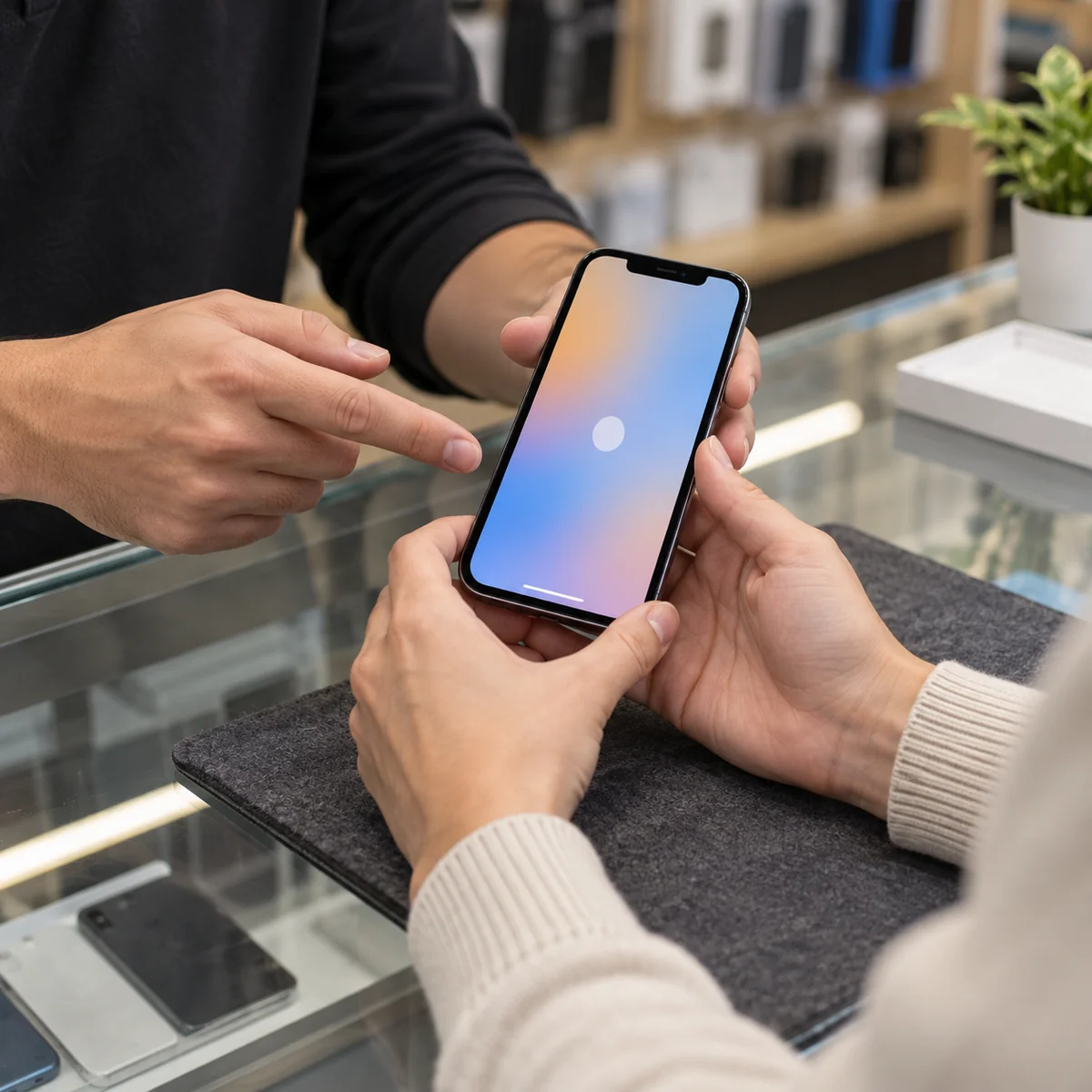
When the phone arrives, inspect it against the condition description before moving all your data. Check the screen for damage and touch response; test buttons, speakers, microphones, cameras, Wi-Fi, charging, and the connection type you need. Confirm the phone works with your carrier or SIM arrangement. Apple provides a preowned iPhone checklist with checks for physical condition, battery, carrier lock, buttons, and cameras.
Keep the test simple and repeatable: make a short call, take a photo, charge briefly, and connect to a trusted network. If something fails, document it immediately with photos or video and contact the seller within the return period. A refurbisher may have tested the device, but that does not replace checking the actual unit you received.
Read the return and warranty terms before paying
Find out how many days you have to return the phone, who pays shipping, whether a restocking fee applies, and what faults the warranty covers. A seller warranty and a manufacturer’s remaining warranty are different promises. Save the listing, battery claim, order details, and written messages. The FTC notes that marketplace protections vary and claim windows can be short.
Compare the full cost, including any likely battery replacement, case, cable, and delivery, with another refurbished option and a new phone that would meet the same needs. If the savings disappear after those costs, wait or choose a different device. Our guide to reading online reviews can help you judge seller feedback without relying on a star score alone.
Common questions
Is refurbished the same as used?
Both describe a device that is not factory new, but “refurbished” does not by itself tell you which checks or repairs were performed. Read the specific seller’s process and warranty.
What battery percentage is good enough?
There is no one threshold that fits every model and user. Compare the seller’s promise, your daily use, and the realistic cost of battery service. A phone that cannot get through your day may not be the right bargain.
Can I buy a phone that is still locked to the previous owner?
Do not accept it until the owner removes the lock and you can complete setup normally. Account protection is designed to block unauthorized use and may leave you unable to use the phone.
Should I trust a marketplace “excellent condition” badge?
Use it as a starting point. Confirm what it covers, review actual-device photos where possible, and check battery, software support, warranty, and return terms separately.
Sources
- U.S. Federal Trade Commission: Buying From an Online Marketplace — seller, item, payment, and return checks.
- Apple: If You Want to Buy a Preowned iPhone — inspection and function checks.
- Apple: Activation Lock for iPhone and iPad — confirming the old account is removed.
- Google Pixel Help: Device Protection — previous-account verification after reset.
- Apple: iPhone Parts and Service History and iPhone Battery and Performance — available repair and battery details.