
That drawer of old phones, chargers and laptops can be cleared without sending usable equipment straight to waste or exposing your personal data. The order matters: decide what still works, save what you need, erase stored information, handle batteries carefully, then choose a collection route that accepts each item.
Quick answer: Reuse or repair a working device first. Before selling, donating or recycling one that stores data, back it up, remove cards and follow the maker’s erase instructions. Keep lithium-ion batteries and devices containing them out of household trash and curbside recycling. Check the exact items a local electronics collection program accepts before you go.
1. Sort what can be reused, repaired or recycled
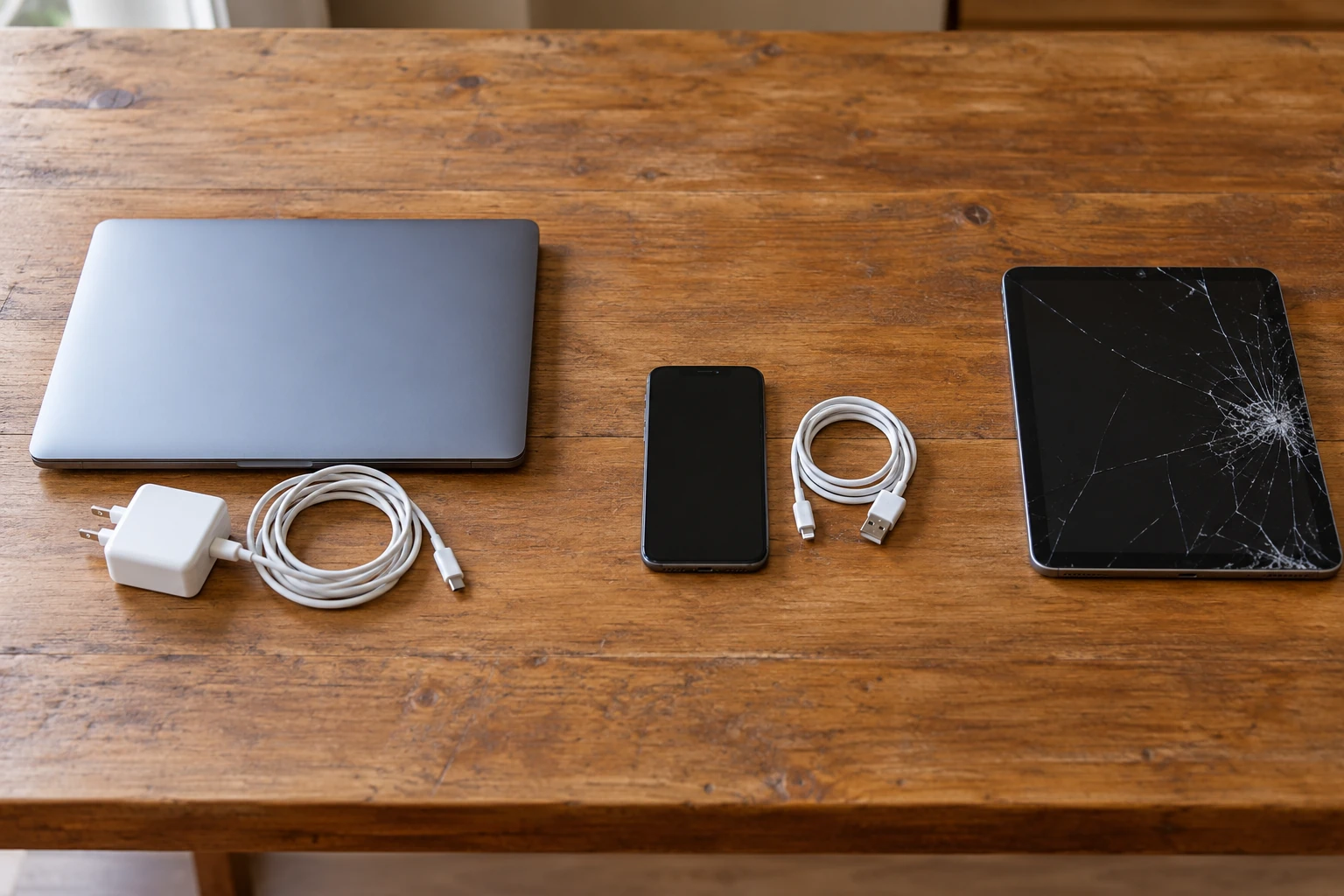
Gather the devices in one place and put matching chargers with the equipment they power. Test each item only if it is safe to do so. Make three small groups: working and worth keeping or donating, repairable, and no longer useful. Do not power on a device that is visibly swollen, leaking, hot, or badly damaged.
The US EPA recommends considering repair or an upgrade before replacing a computer and says donation can extend the life of usable electronics. Be honest about condition when passing a device on; a recipient should not inherit an undisclosed fault or missing essential charger.
2. Back up and erase devices that hold your data
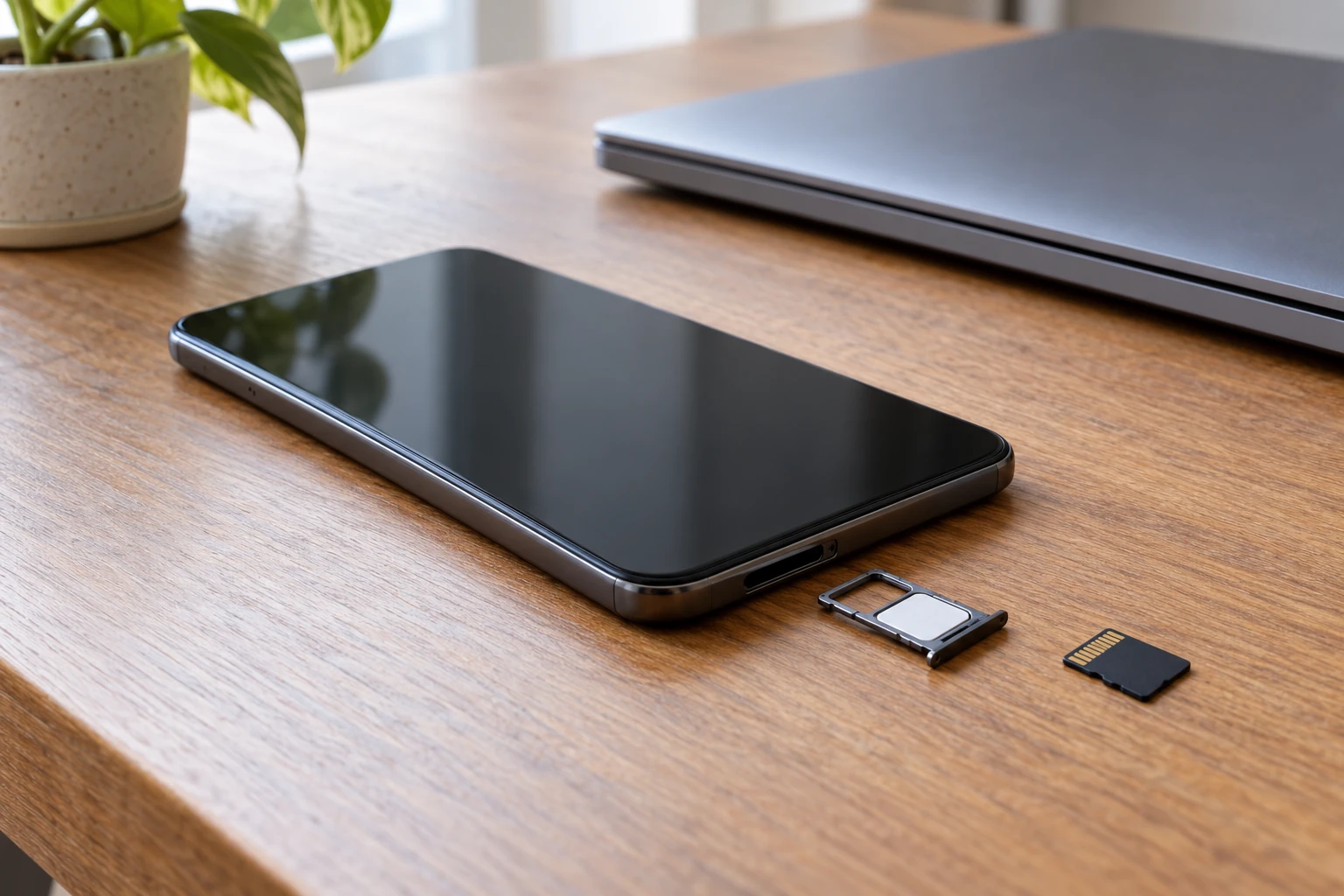
Copy photos, contacts, documents and anything else you want to keep. Check the backup before erasing the original. Sign out where the manufacturer requires it, remove SIM and removable memory cards, then use the device maker’s reset or secure erase instructions. A phone’s factory reset is different from simply deleting a few visible files.
The FTC’s phone disposal guidance specifically calls for a backup, removal of SIM and SD cards, and a reset before sale, donation or recycling. For a laptop or external drive, use the manufacturer’s data-erasure process or a qualified service; the FTC notes that ordinary deletion may not remove files completely. If a device will not turn on and you cannot verify erasure, ask the recycler about documented data destruction rather than assuming the data is gone.
3. Separate removable batteries without taking risks
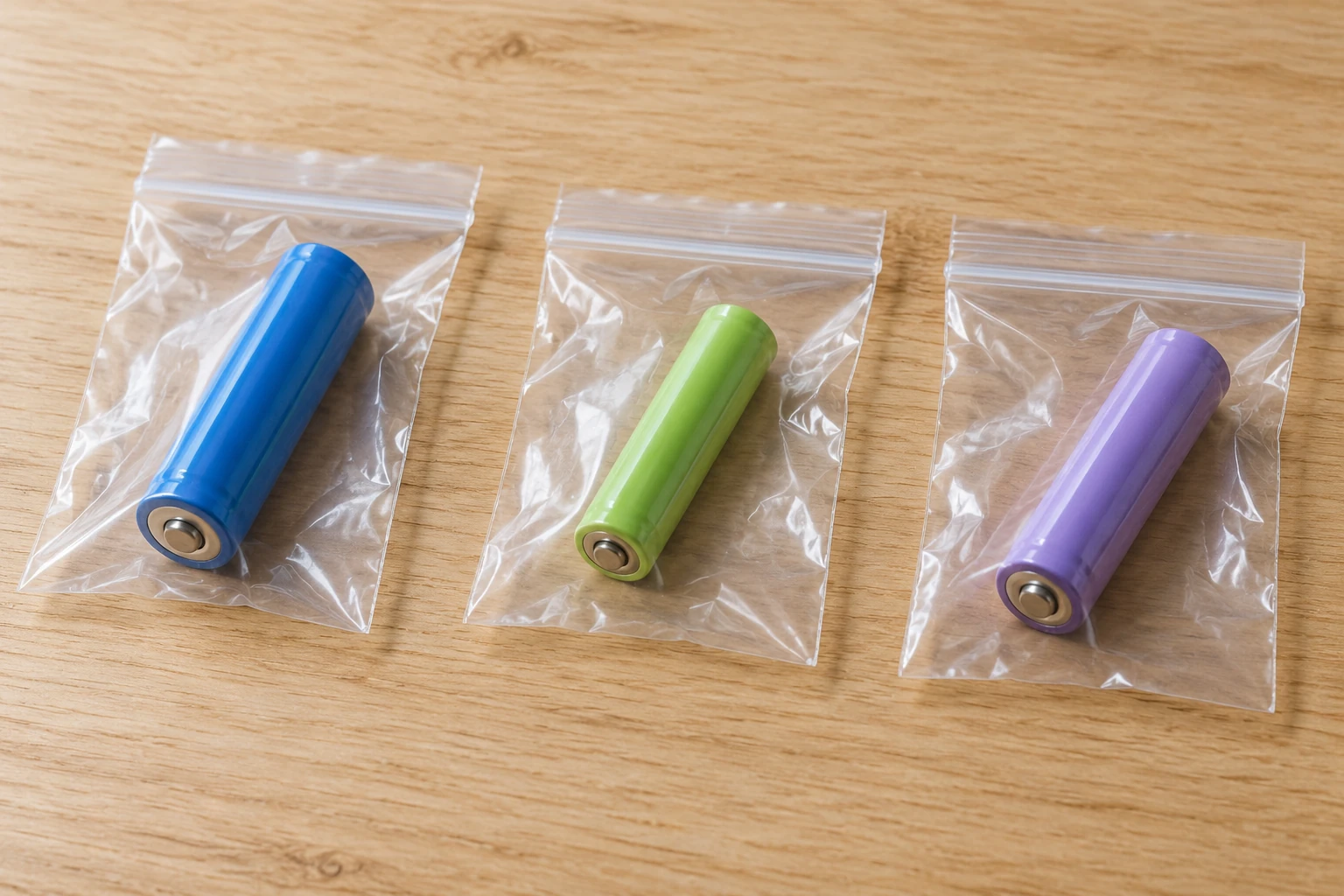
Remove a battery only if the product is designed for user removal and the maker’s instructions allow it. Keep loose batteries apart and protect their terminals with nonconductive tape or individual bags. Do not pry open a sealed phone or laptop to reach a built-in battery. Keep any swollen, punctured, leaking or hot battery away from other items and contact the local hazardous-waste program for specific handling instructions.
The EPA’s battery guide describes terminal protection and collection routes for removable and nonremovable batteries. It also says lithium-ion batteries and devices containing them should not enter household trash or curbside recycling because of fire risk. Follow local program rules for each battery chemistry.
4. Pack items for a verified drop-off
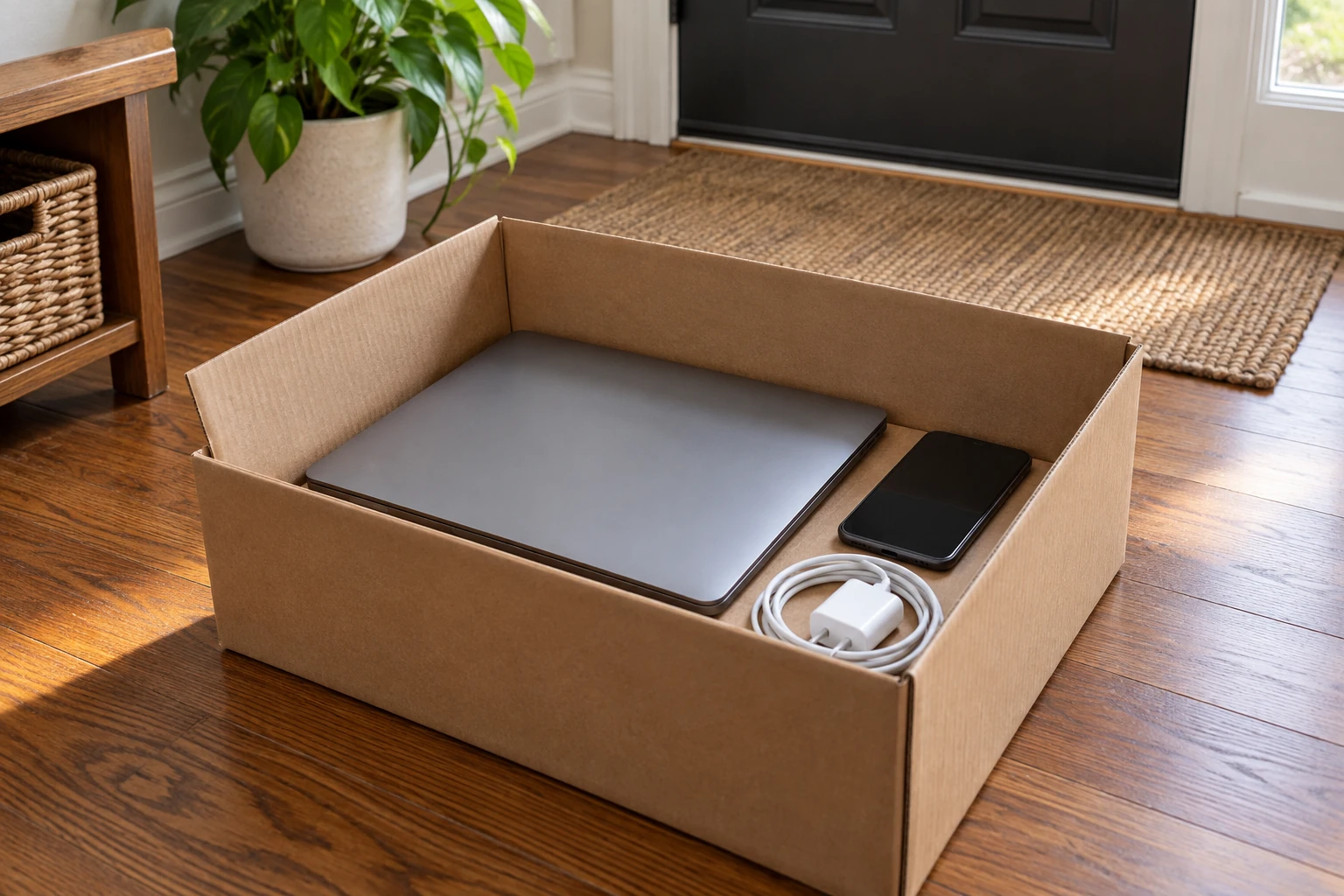
Put small devices and their accessories in a sturdy container so nothing rolls around or gets crushed in transit. Keep any separately protected batteries apart from metal objects and follow the collector’s packing instructions. Avoid leaving electronics on the curb unless your local authority explicitly offers that service.
Check your municipality, manufacturer, retailer or electronics recycler for accepted items, opening times and any fees. Collection rules vary by location and by product. The EPA lists donation and manufacturer or retailer take-back as options; it also advises checking local facilities. For a recycler, ask about data handling and whether its facility participates in a recognized certification program. The EPA describes R2 and e-Stewards certification programs.
5. Make the next declutter easier
Keep one small, labeled place for retired electronics that still need data erasure or a drop-off. Pair each device with its charger and note whether its data has been cleared. Set a date to finish the trip; a permanent box of unprocessed devices does not solve the problem. If an item still works, offer it for reuse promptly while it remains useful.
Common questions
Can old electronics go in the regular recycling bin?
Do not assume so. Electronics collection rules differ by location, and lithium-ion batteries or devices containing them should stay out of curbside recycling. Check the local program before disposal.
Is deleting photos enough before donating a phone?
No. Back up what you need, remove SIM and removable storage, then follow the maker’s full reset instructions and check that the reset completed.
Should I remove the battery from a sealed laptop?
No. Do not pry open a device just for recycling. Ask a qualified collection program how it accepts a device with a built-in battery.